

Comfy Cloud API
The Comfy Cloud API provides programmatic access to run workflows on Comfy Cloud infrastructure. The API is compatible with local ComfyUI’s API, making it easy to migrate existing integrations.Subscription Required: Running workflows via the API requires an active Comfy Cloud subscription. See pricing plans for details.
Base URL
Authentication
All API requests require an API key passed via theX-API-Key header.
Getting an API Key
1
Visit https://platform.comfy.org/login and Log In
Please visit https://platform.comfy.org/login and log in with the corresponding account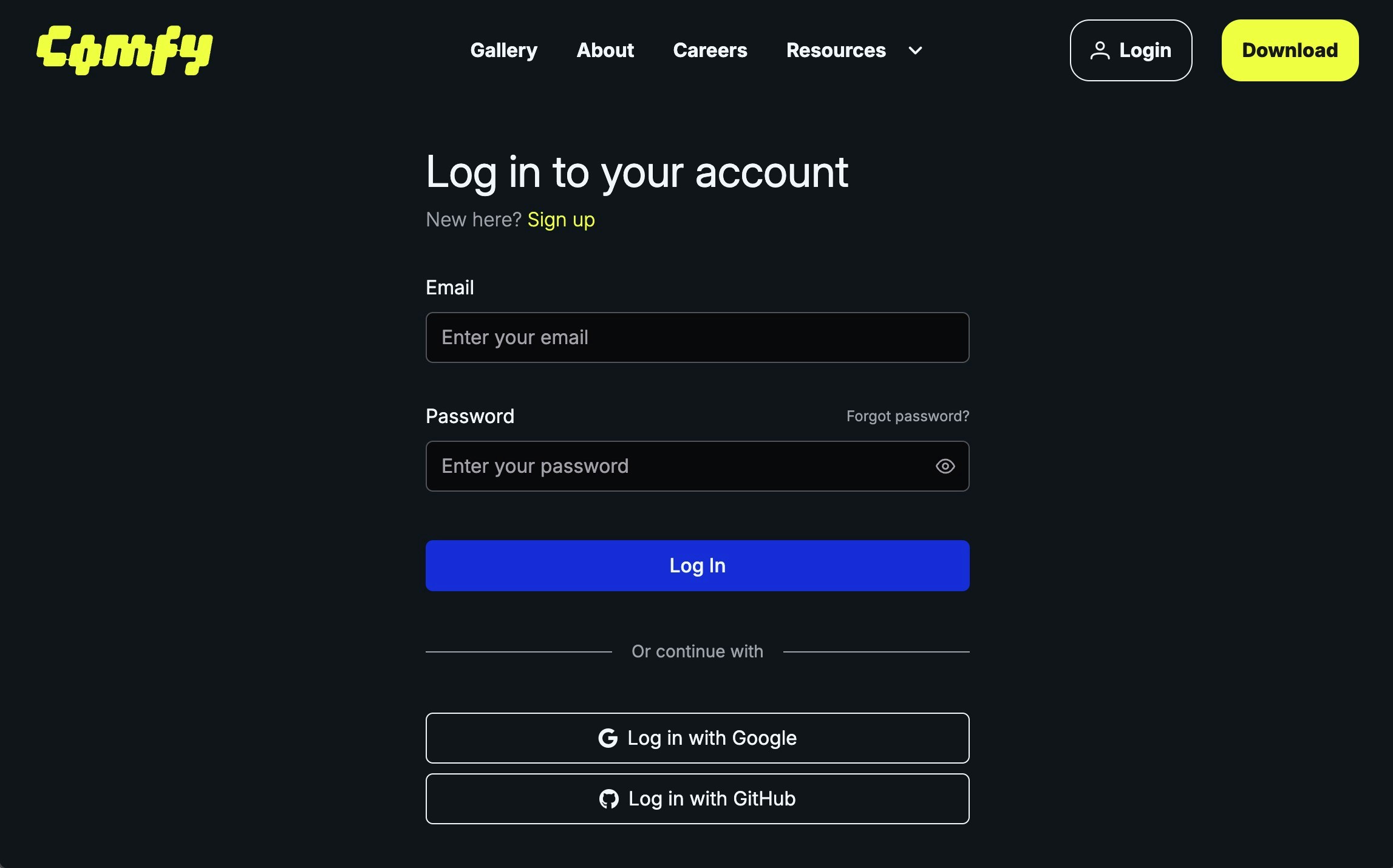
2
Click `+ New` in API Keys to Create an API Key
Click 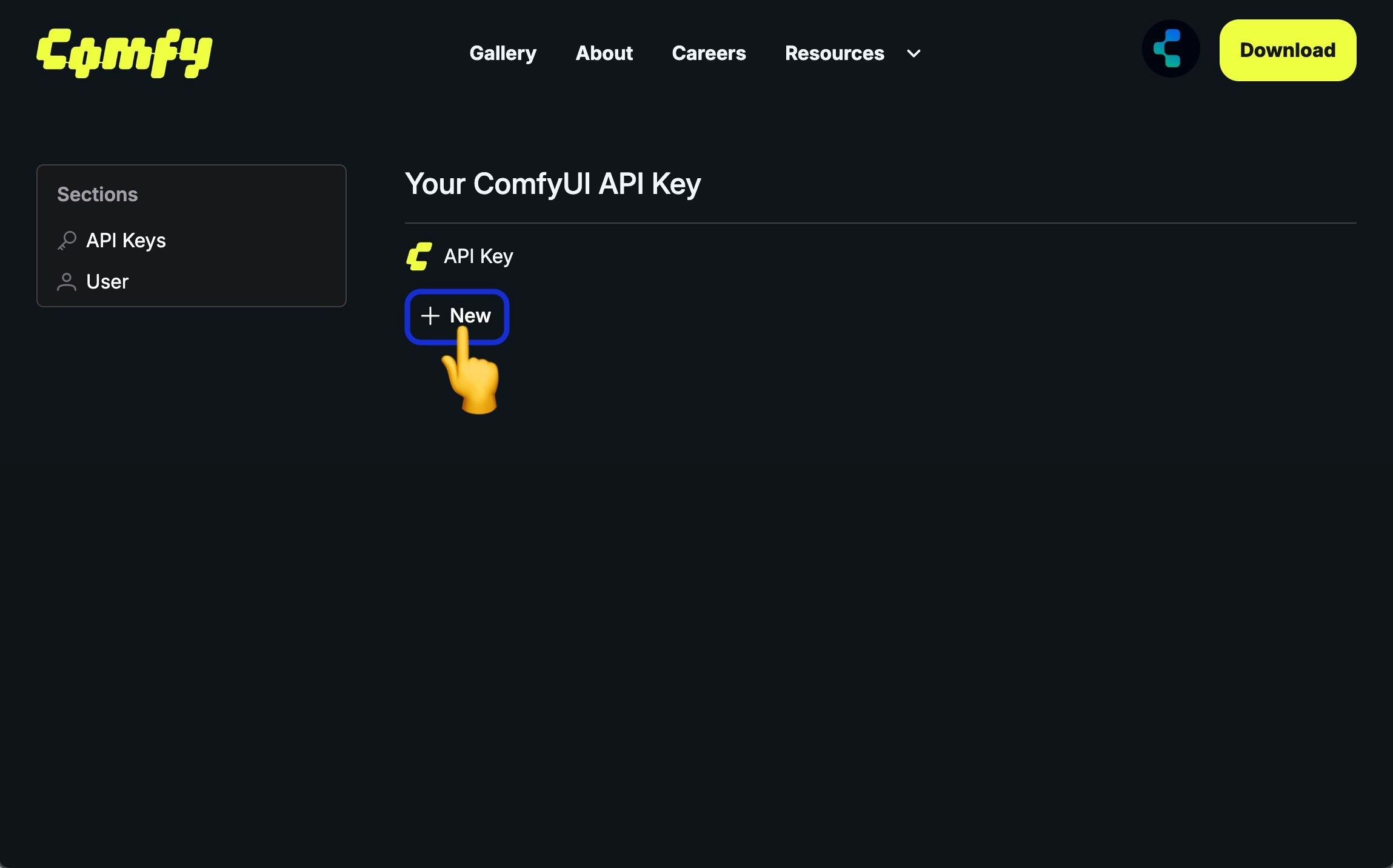
+ New in API Keys to create an API Key3
Enter API Key Name
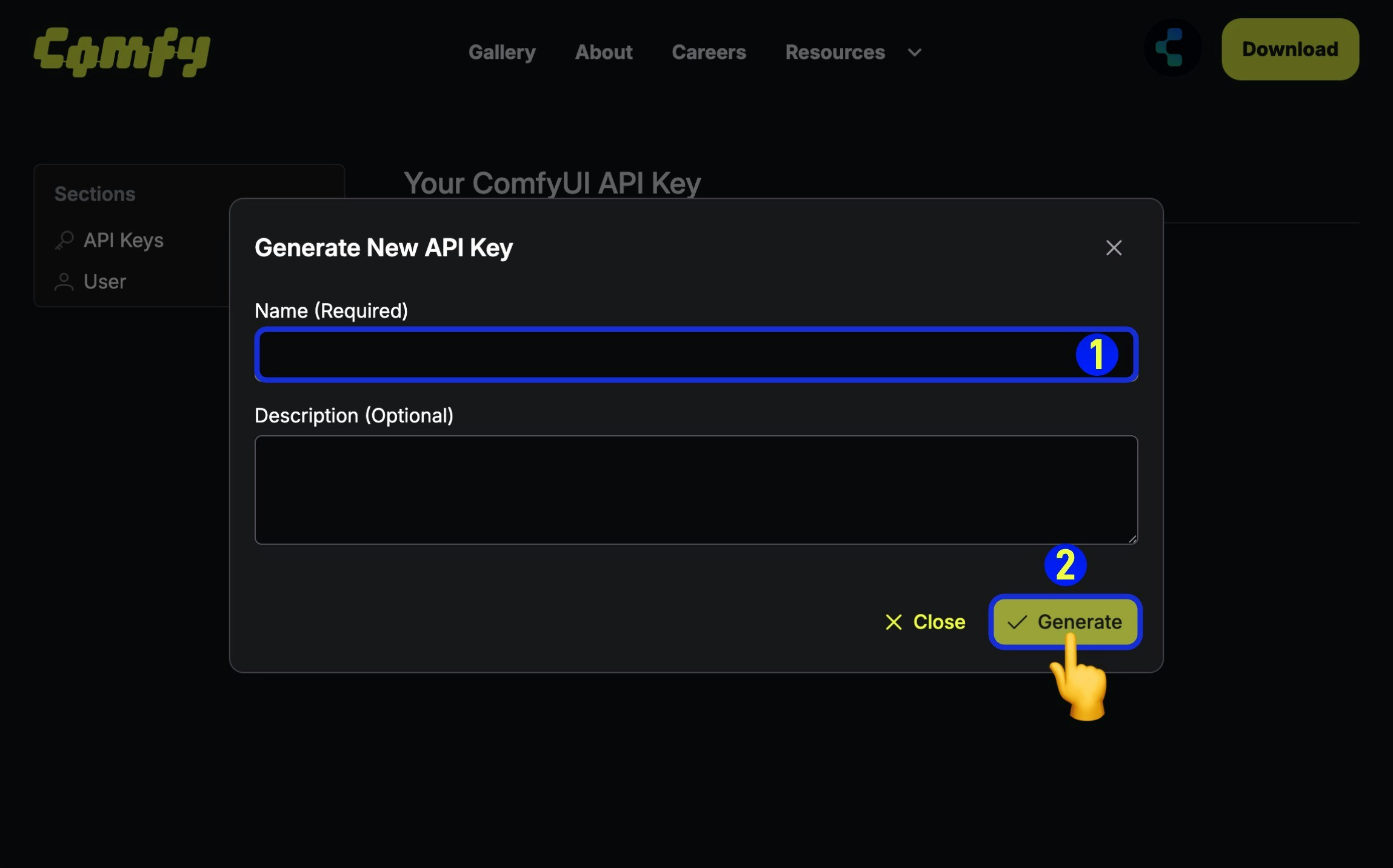
- (Required) Enter the API Key name,
- Click
Generateto create
4
Save the Obtained API Key
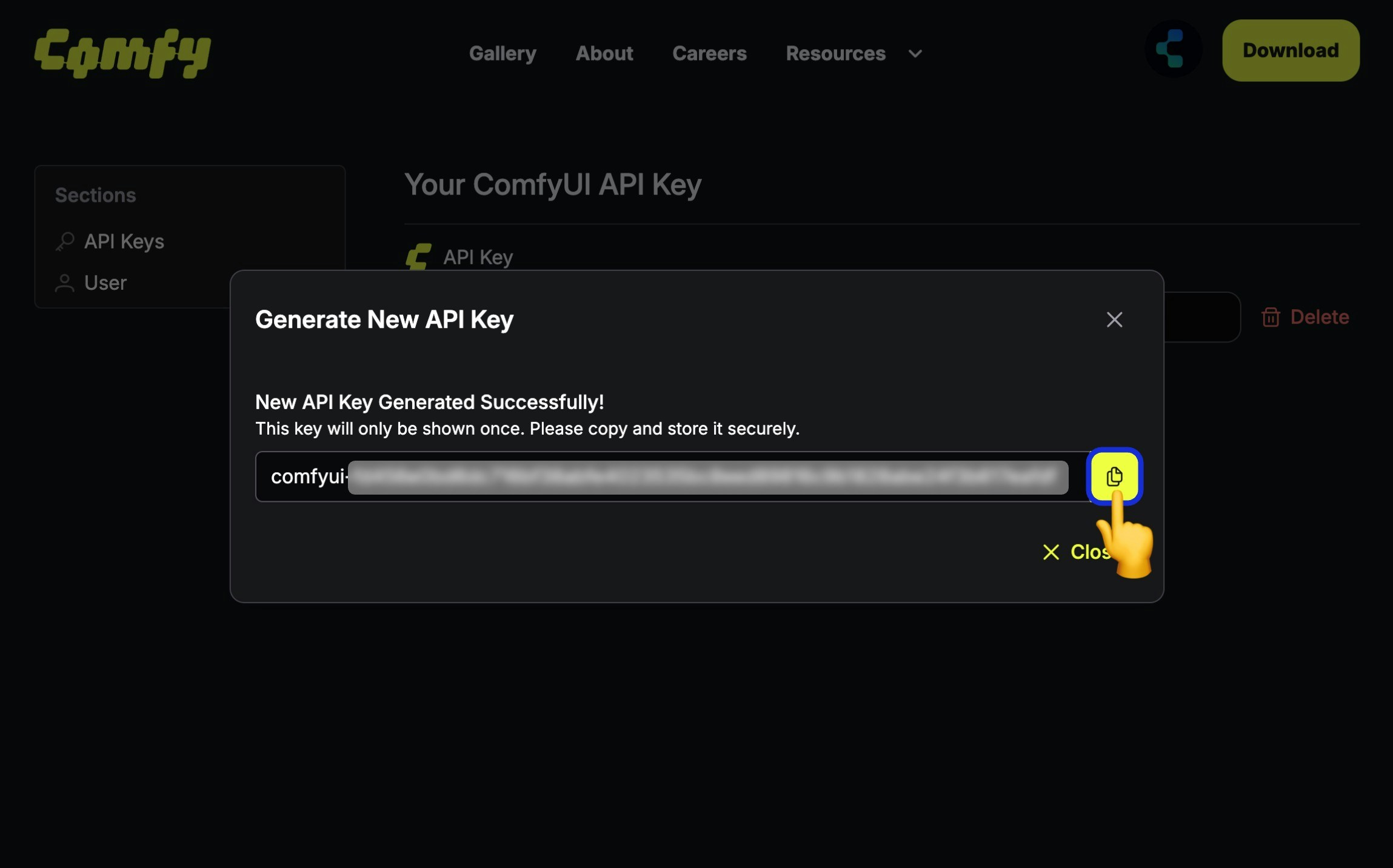
Using the API Key
Pass your API key in theX-API-Key header with every request:
Core Concepts
Workflows
ComfyUI workflows are JSON objects describing a graph of nodes. The API accepts workflows in the “API format” (node IDs as keys with class_type, inputs, etc.) as produced by the ComfyUI frontend’s “Save (API Format)” option.Jobs
When you submit a workflow, a job is created. Jobs are executed asynchronously:- Submit workflow via
POST /api/prompt - Receive a
prompt_id(job ID) - Monitor progress via WebSocket or poll for status
- Retrieve outputs when complete
Outputs
Generated content (images, videos, audio) is stored in cloud storage. Output files can be downloaded via the/api/view endpoint or through signed URLs.
Quick Start
Here’s a minimal example to run a workflow:Available Endpoints
Next Steps
- API Reference - Complete endpoint documentation with examples
- OpenAPI Specification - Machine-readable API spec